Macro Mill
Intelligent CNC Milling and Feature Recognition Solution

MACRO MILL is a next-generation CNC milling software that simplifies programming, enhances precision, and maximizes productivity.
Designed by CADMACRO, MACRO MILL uses advanced feature recognition technology to automatically identify, color-code, and classify machining features such as holes, pockets, contours, and slots — straight from your CAD model.
Whether you’re creating simple 2.5D milling paths or complex 3D machining programs, MACRO MILL gives you complete control and flexibility to design, simulate, and optimize your operations in one unified platform.
By automating repetitive programming tasks, it helps engineers save time, reduce costs, and minimize human errors, while delivering consistent, high-quality toolpaths.
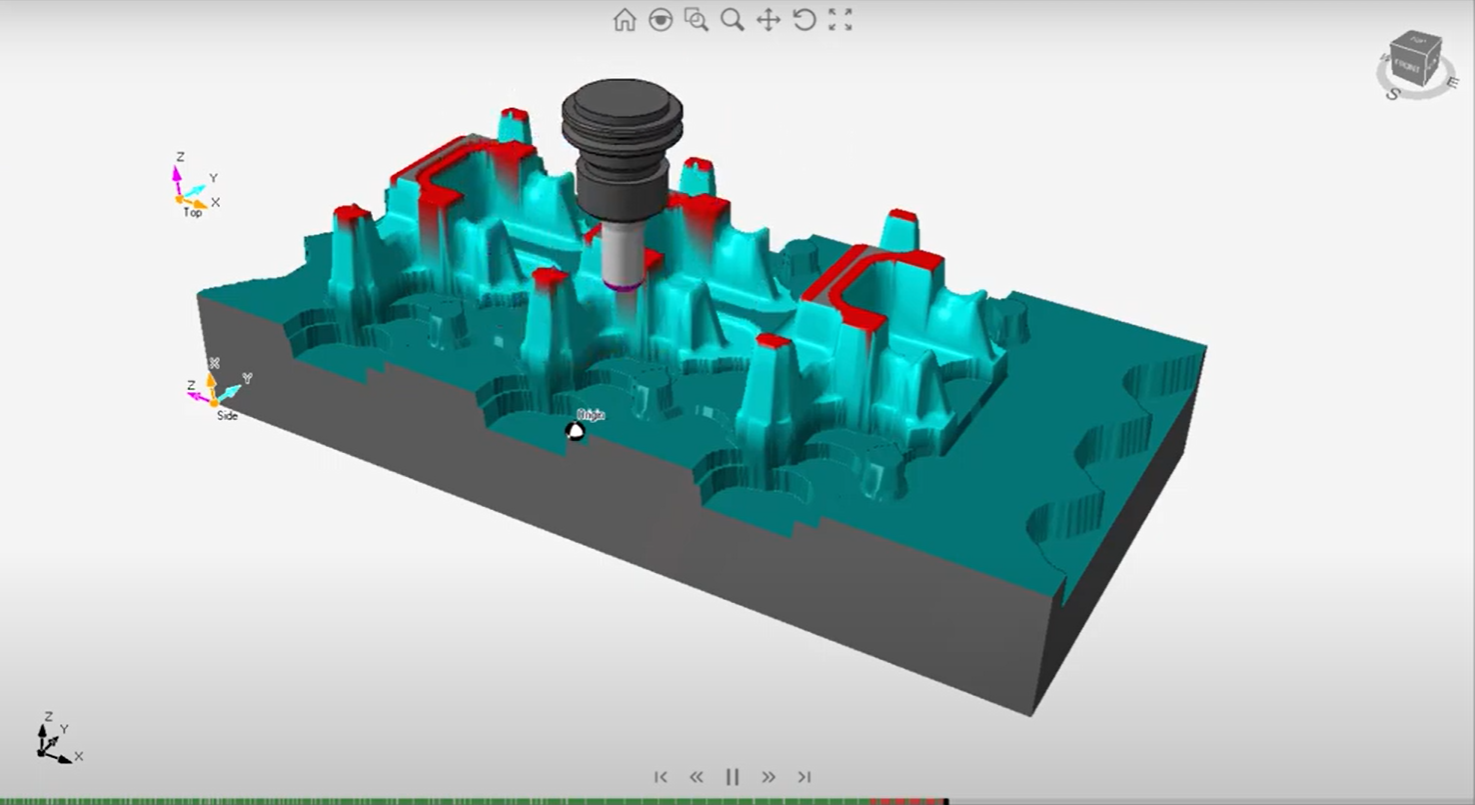
The system provides both solid and wireframe simulation modes, helping users visualize every operation in detail. With real-time feedback, engineers can fine-tune feed rates, cutting depths, and tool sequences for optimal results before machining even begins. This not only enhances safety but also saves substantial time and material by reducing trial runs and costly reworks.
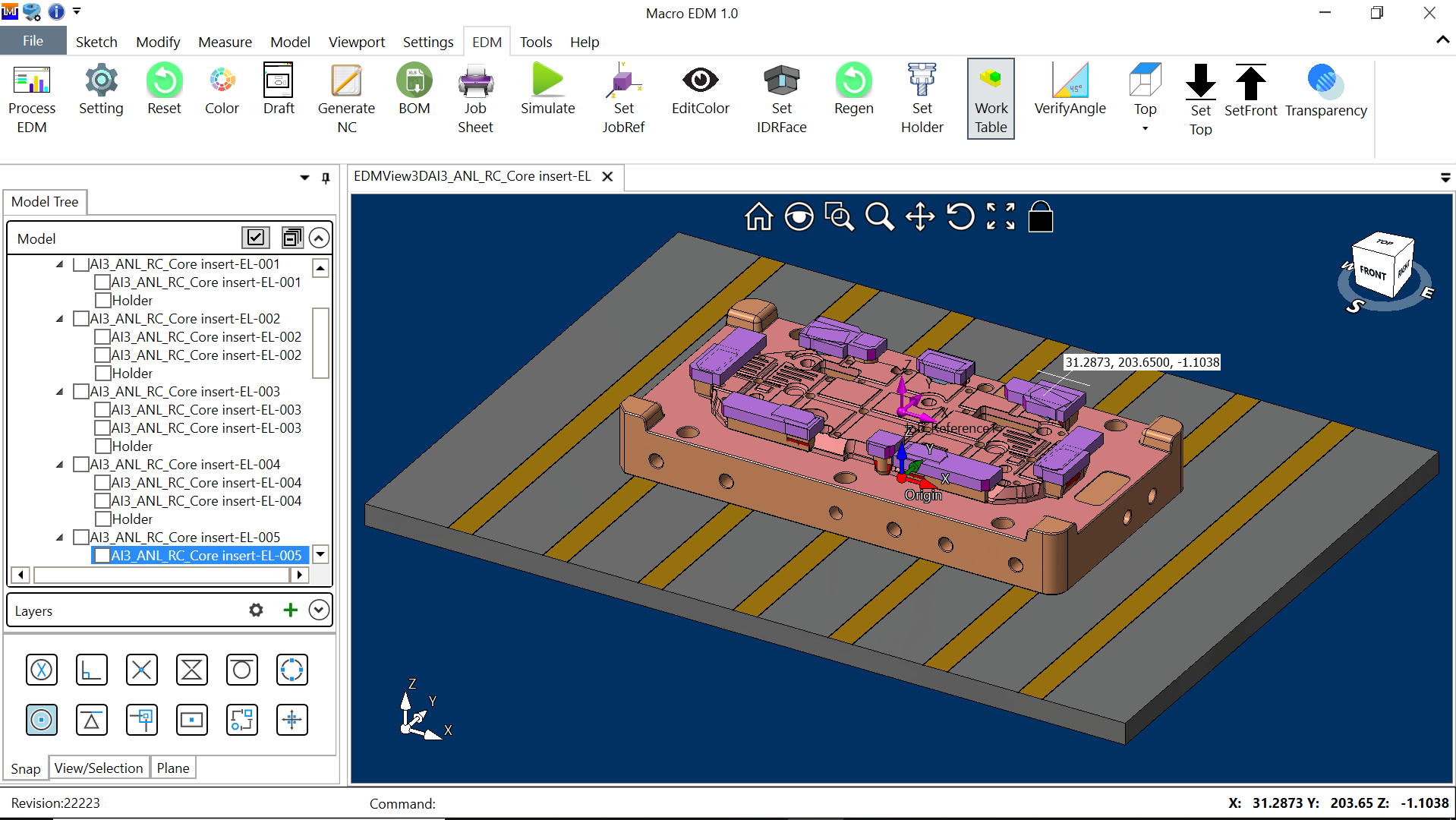
Smart Feature Recognition for Intelligent Machining
At the heart of MACRO MILL lies its intelligent feature recognition engine.
Once you import a CAD model, the software automatically detects machining features such as:
- Holes (blind, though, tapped)
- Contours and slots
- Pockets (open and closed)
- Faces and surfaces
- Chamfers and threads
Each feature is color-coded for easy visual distinction, ensuring instant recognition and faster process setup.
Users can modify or sketch features directly on the model — adjusting parameters such as hole depth, pocket radius, or toolpath direction in real time.
This intuitive visual approach makes MACRO MILL simple for new users and powerful for experts, striking the perfect balance between automation and manual control.
Full CNC Compatibility and Machine Intelligence
MACRO MILL is designed to work seamlessly with most CNC milling machines and controllers used in modern tool rooms and manufacturing plants.
Its Machine Tool Master module maintains a database of machine capabilities — spindle speeds, axis limits, tool magazine configurations, and fixture setups.
The Machine Station Tool function allows you to assign tools to specific machine stations, ensuring full compatibility between your virtual program and the real machine environment.
.
MACRO MILL STRATEGIES
MACRO Mill
With MACRO MILL, you can also simulate and verify your programs before sending them to the machine. You can see the tool movements, material removal and collision detection in 3D or 2.5D views. You can also generate job sheets and tool sheets that contain all the information you need to run your programs.
- Feature Intelligence
- Feature Recognition: Automatically detect holes, pockets, and contours.
- Feature Verification: Validate geometry and dimensions for accuracy.
- Hole Deduction & Sorting: Identify, group, and sequence holes logically for efficient machining.
- Machining Operations
- Facing: Automatically generate face-milling toolpaths for raw stock preparation.
- Drilling & Boring Cycles: Program single or multi-hole cycles with pecking, reaming, and counterboring support.
- Chamfering: Automatically apply chamfers on edges and holes for finishing.
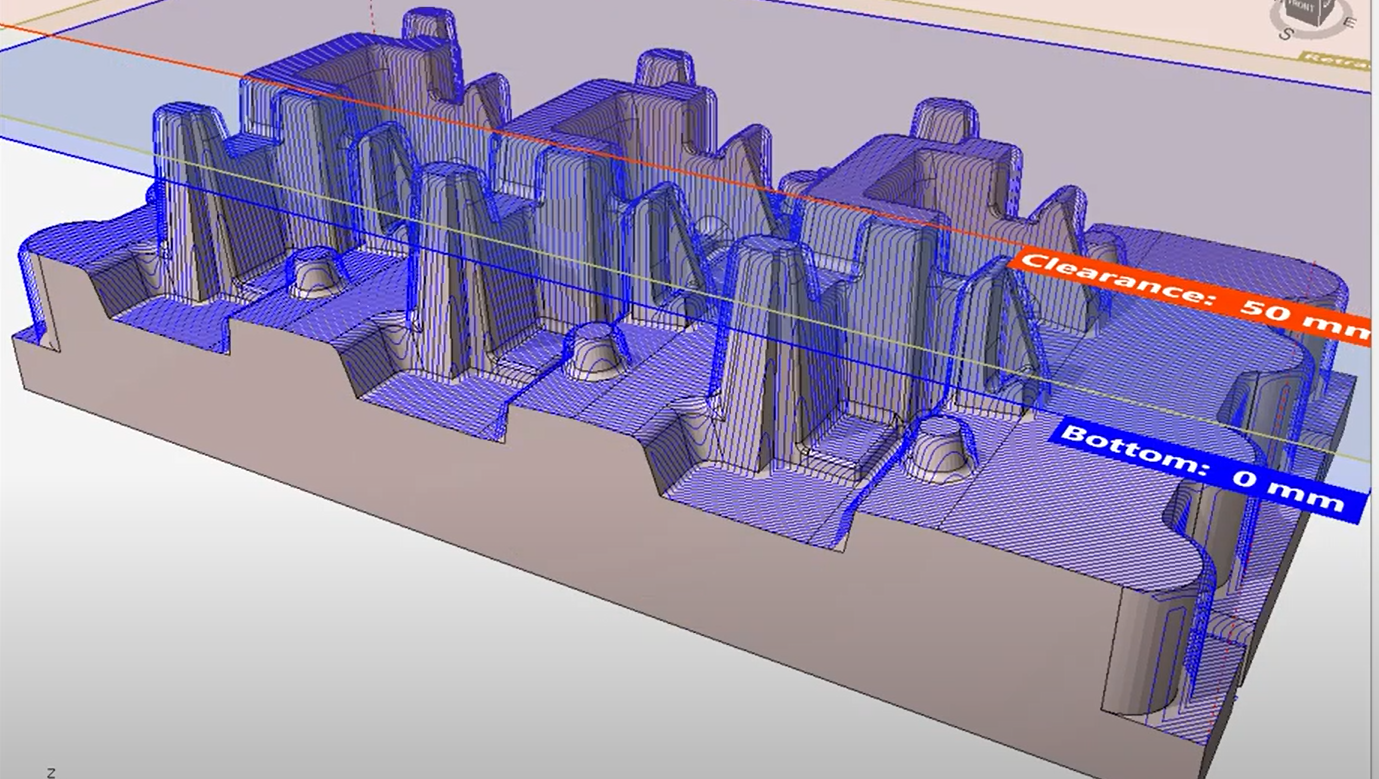
- Contour Milling (3D/2.5D): Program open and closed contours with optimized path sequencing.
- Pocketing (3D/2.5D): Intelligent toolpath generation for open or closed pockets.
- Open Machining: Flexible approach for non-boundary cutting or partial area finishing.
- Design and Modification Tools
- Sketching and Editing: Draw or modify machining features directly within the interface.
- Modify Tools: Update or swap tools during simulation for flexibility.
- Color-Code Features: Instantly distinguish different feature types visually.
- Machine and Tool Management
- Machine Tool Master: Database of machine parameters and limitations.
- Machine Station Tool: Assign and organize tools across different stations.
- Auto Tool Selection: Automatically choose the most efficient cutting tool for each operation.
- Documentation and Verification
- Job Sheets & Tool Sheets: Generate detailed operation summaries and tooling data.
- NC Editor: Edit and review NC code before transmission.
- Simulation Reports: Summarize results for production and quality control.
TRIAL REQUEST
Need Help?
Please Feel Free To Contact Us. We Will Get Back To You With 1-2 Business Days.
info@cadmacro.com
(091)-44-4358 9050